ERP & Manufacturing
Custom Odoo for Manufacturers: A Real Implementation Walkthrough
Shlok Parikh · 9 September 2026 · 7 min read
Key Takeaways
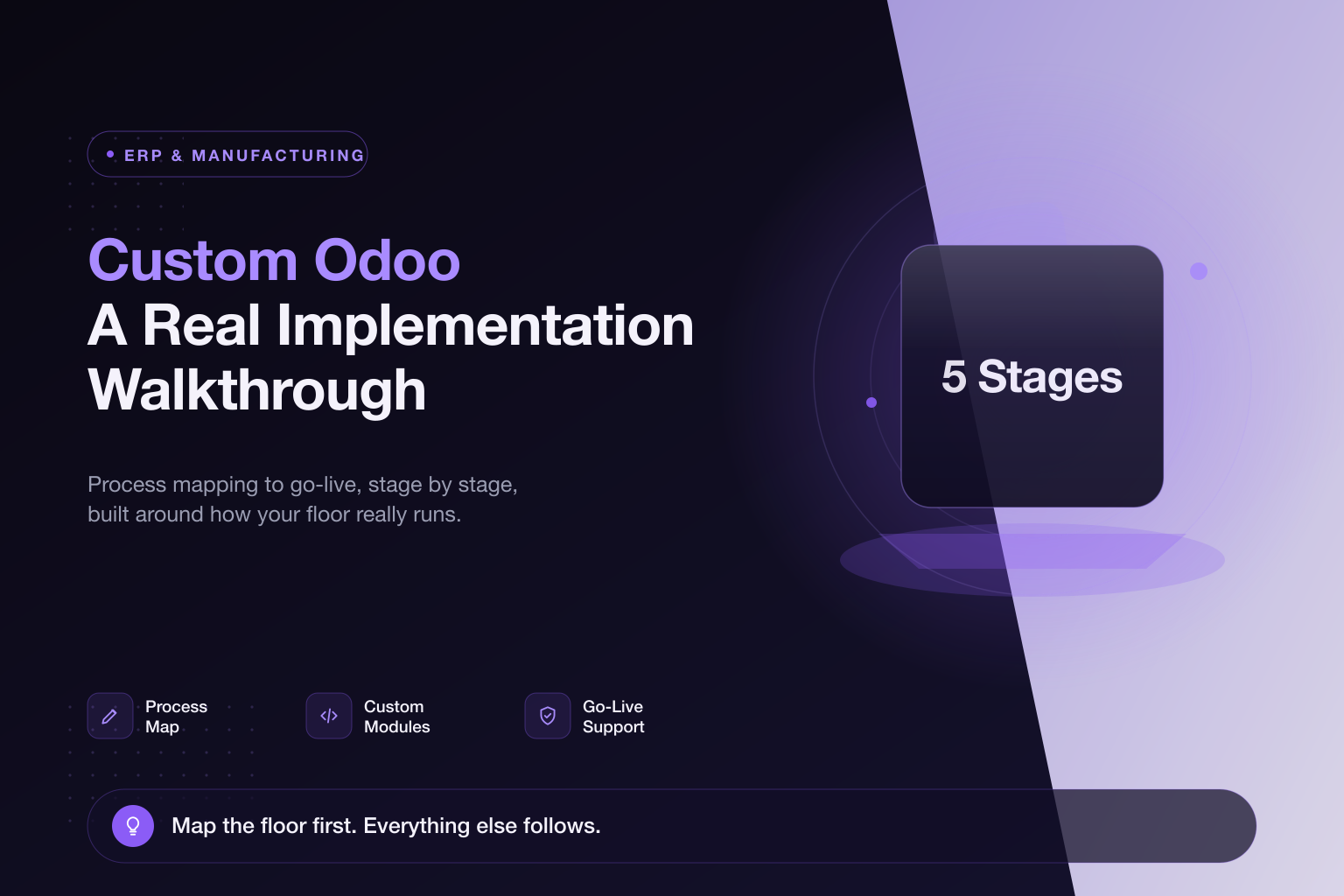
- A custom Odoo rollout starts with mapping the real manufacturing sequence, before any settings are touched.
- Custom modules cover multi-stage costing, quality gates, and store logic Odoo does not model natively.
- Ongoing go-live support, not just the initial build, is what separates implementations that stick from those abandoned within a year.
Discuss this page with AI
Open your AI assistant with this page loaded to summarise it, ask questions, and go deeper.
Stage 1: Process mapping, before any software
The first step is not opening Odoo's settings, it is mapping the actual manufacturing sequence. For a typical Indian manufacturing client that means walking the floor and documenting each stage explicitly (Casting to Machining to Assembly to Store, for example) with the specific handoffs, quality checks, and material movements at each stage. This step gets skipped by cheaper implementations, and it is the single biggest reason Odoo rollouts fail.
Stage 2: Mapping the process to Odoo's modules
Once the real process is documented, it gets mapped onto Odoo's Manufacturing, Inventory, and Accounting modules, identifying which parts are standard Odoo behavior (most inventory tracking, most BOM management) and which need custom work (non-standard costing across stages, job-work if any stage is subcontracted). This is the heart of our Odoo manufacturing ERP approach.
Stage 3: Custom module development
This is where custom Odoo earns its name. Common custom builds for manufacturers include:
- Multi-stage costing that rolls raw material, labor, and overhead forward through casting to machining to assembly
- Custom quality-check gates between stages
- Store and inventory logic specific to how the factory actually holds and issues materials
Stage 4: Data migration and training
Existing inventory counts, BOMs, supplier records, and historical data get migrated in. Training happens on the actual new workflow, not a generic Odoo tutorial, because the whole point of the custom build is that it matches how the team already thinks about their floor.
Stage 5: Go-live and support
A well-run go-live includes a support window where we actively watch for the edge cases a process map does not catch, until the team reaches genuine fluency. One client summed it up: the team built an ERP based on their actual needs and stayed involved with support until fluency, and that ongoing involvement, not just the initial build, is what separates an implementation that sticks from one abandoned within a year. To start with your own process map, book a free consultation.
Work With Parix Digital
Custom Odoo only works if process mapping happens first. Parix Digital runs the full sequence, from floor walk to go-live support. See our Odoo manufacturing ERP services or book a free consultation.
Shlok Parikh
Shlok leads Parix Digital, helping manufacturers and founders ship AI tools, ERP systems, and growth engines that actually reach production.
FAQ
Frequently Asked Questions
What does a custom Odoo implementation for a manufacturer involve?
Five stages: mapping the real manufacturing sequence, mapping it to Odoo's modules, building custom modules (costing, quality gates, store logic), data migration and training, then a supported go-live.
Why do Odoo rollouts fail?
Most fail because the software gets configured against a generic assumption of how manufacturing works instead of the client's actual sequence. Process mapping first is what prevents it.
Do you provide support after go-live?
Yes. A support window during go-live catches the edge cases a process map misses and drives the team to genuine fluency, which is what makes an implementation stick.
Have a project in mind?
Tell us about your goals and current setup. We'll get back to you within 24 hours with a tailored plan.
UK · India · USA | Enterprise Grade Delivery | 24hr Response Time